
Loading Tradock…
Web · Android · iPhone
Use Tradock on mobile, computer, and tablet with the same powerful features across every platform. Manage inventory, orders, customers, payments, deposits, returns, and GST billing from anywhere — with real-time sync for your whole team.
Available now on Google Play, App Store, and the web dashboard.
Android App
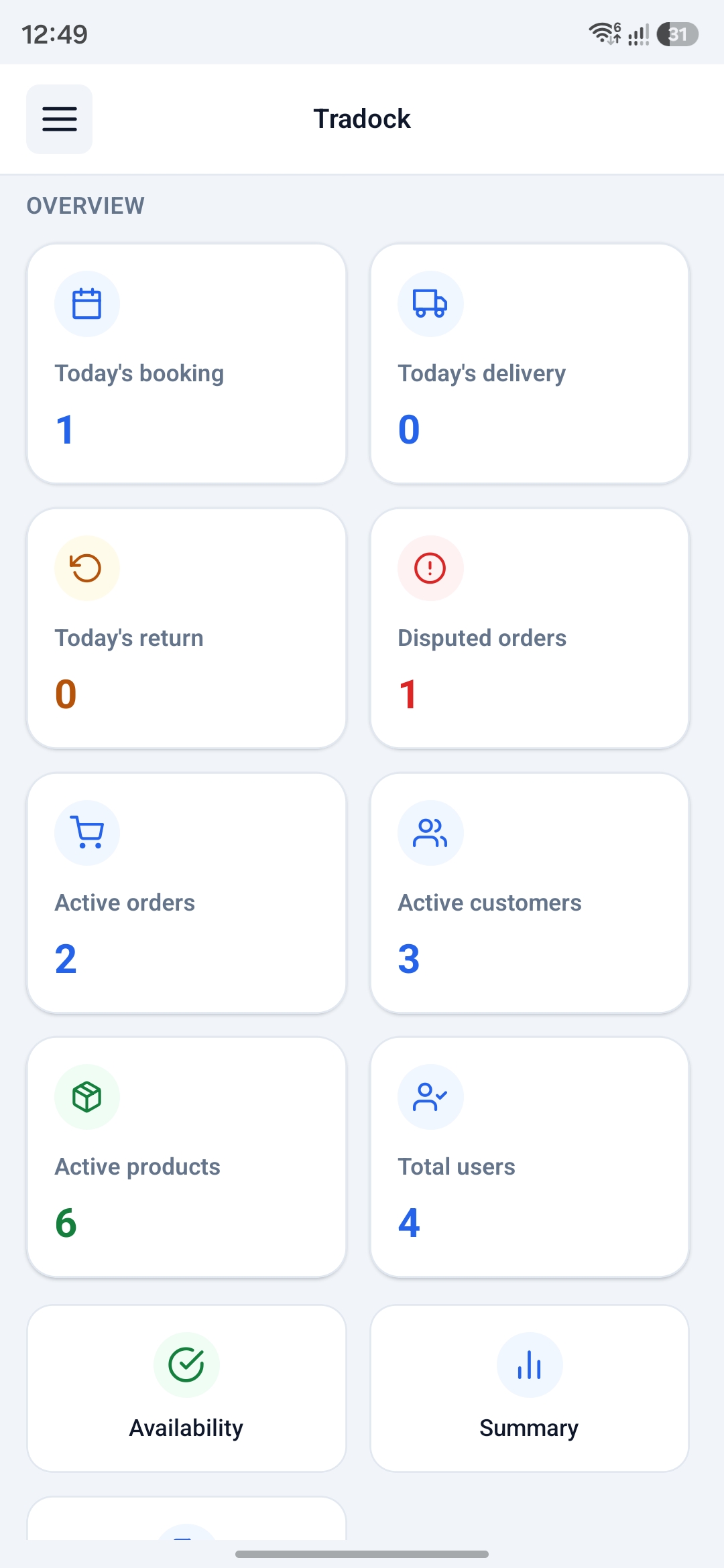
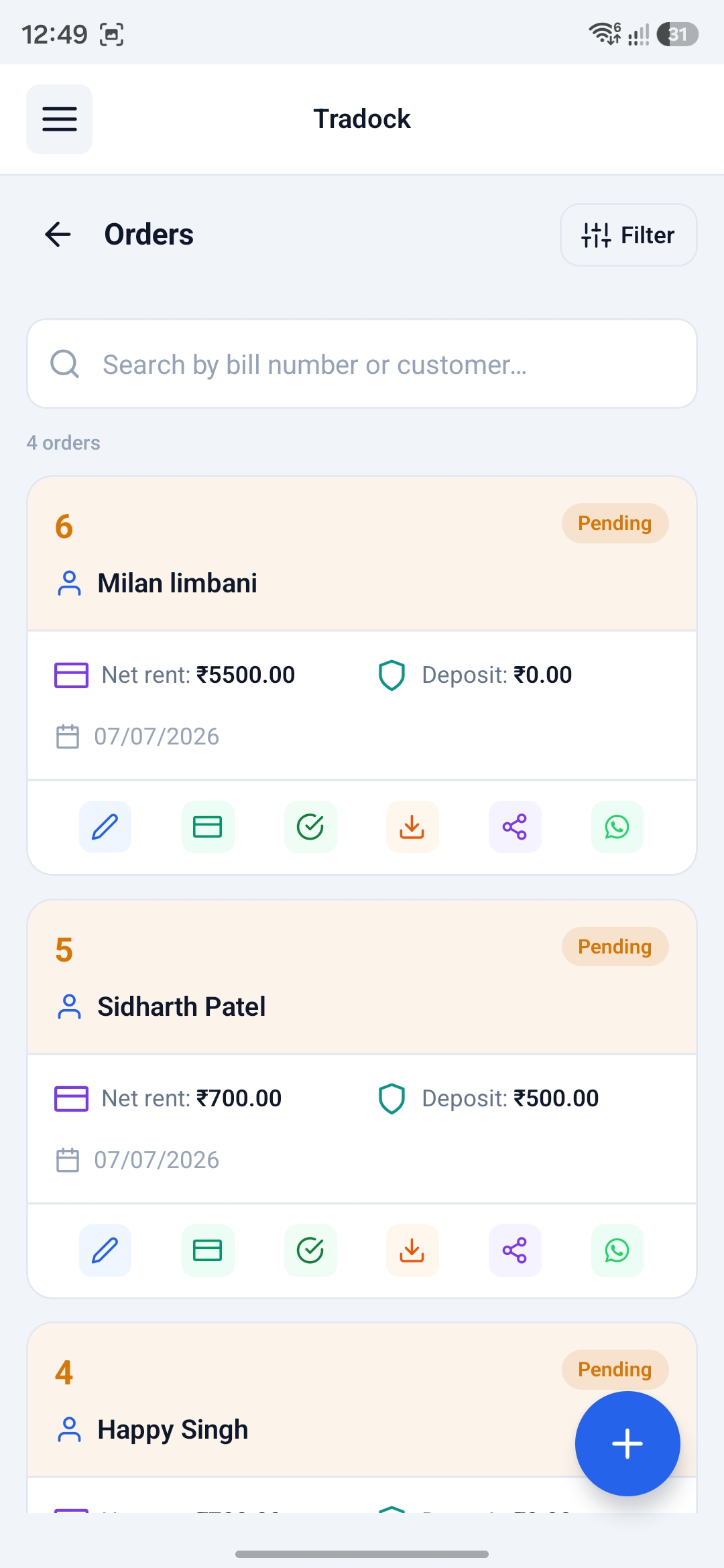
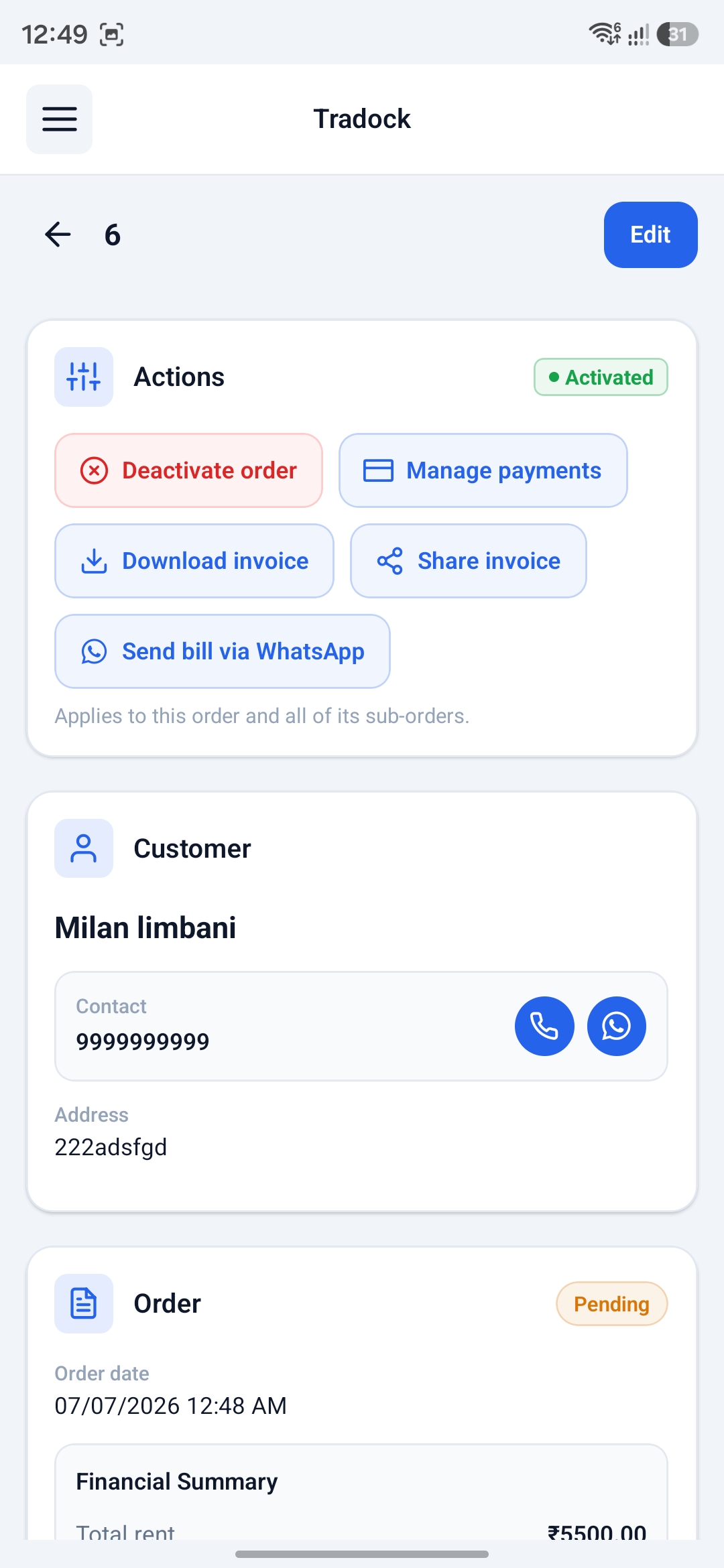
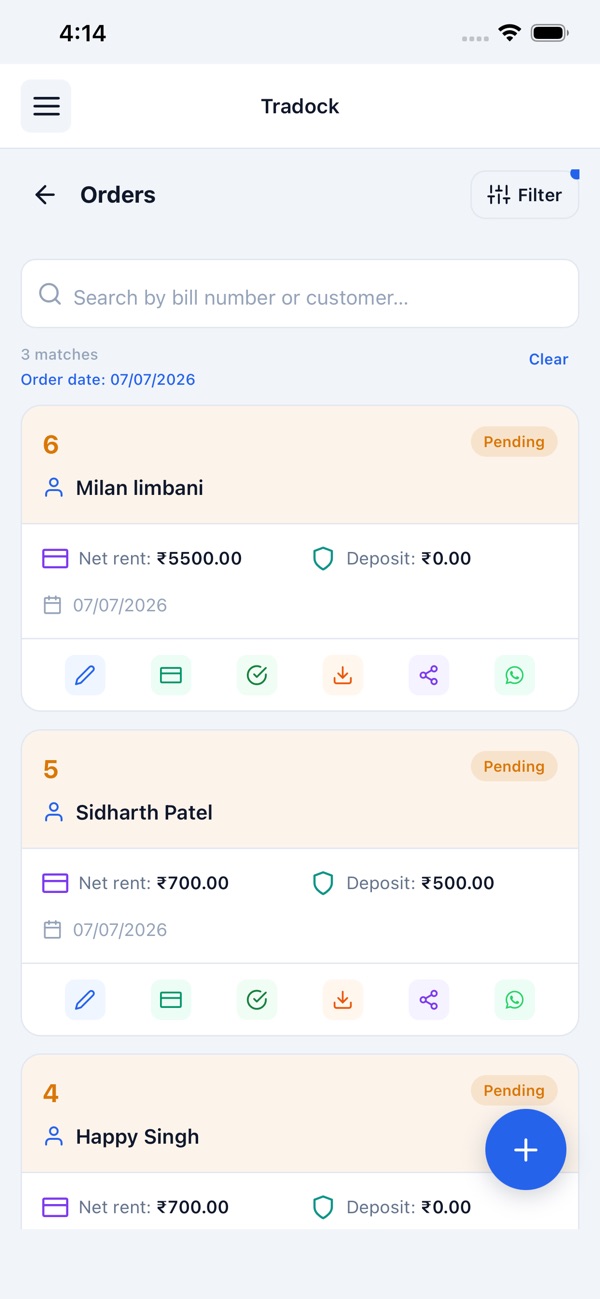
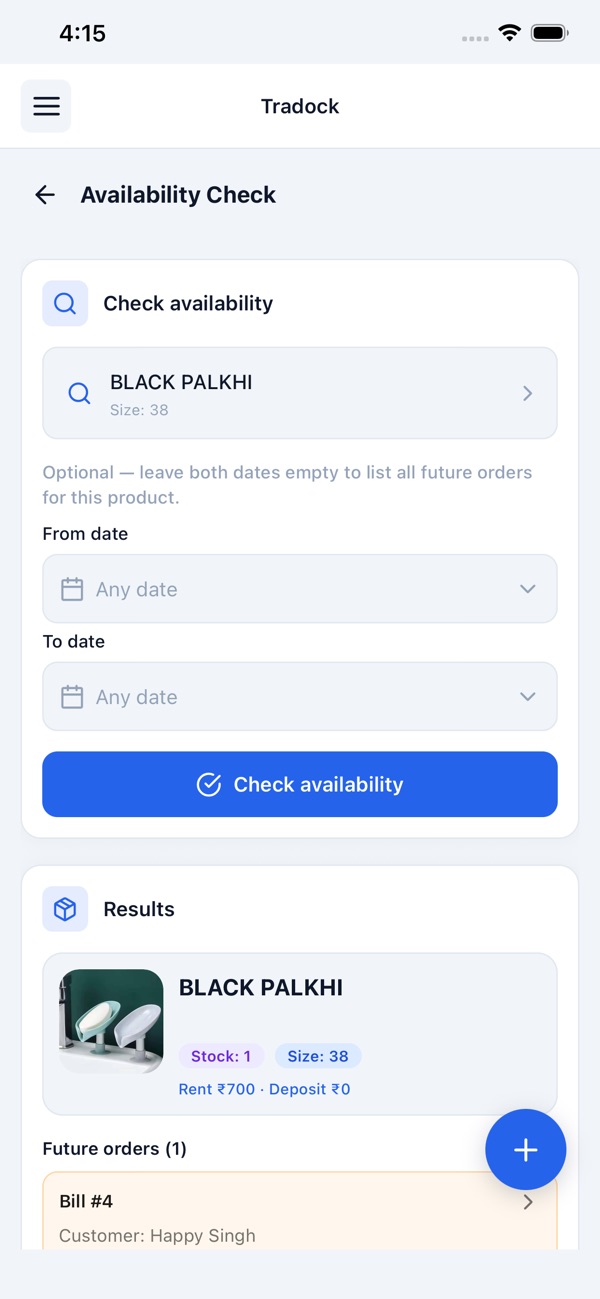
Manage rental and sales operations from Android phones and tablets—orders, catalog, customers, deposits, payments, invoices, and offline local-first access to core data.
You and your staff can use the same core features on mobile, computer, and tablet — with a seamless experience across devices.
iPhone App
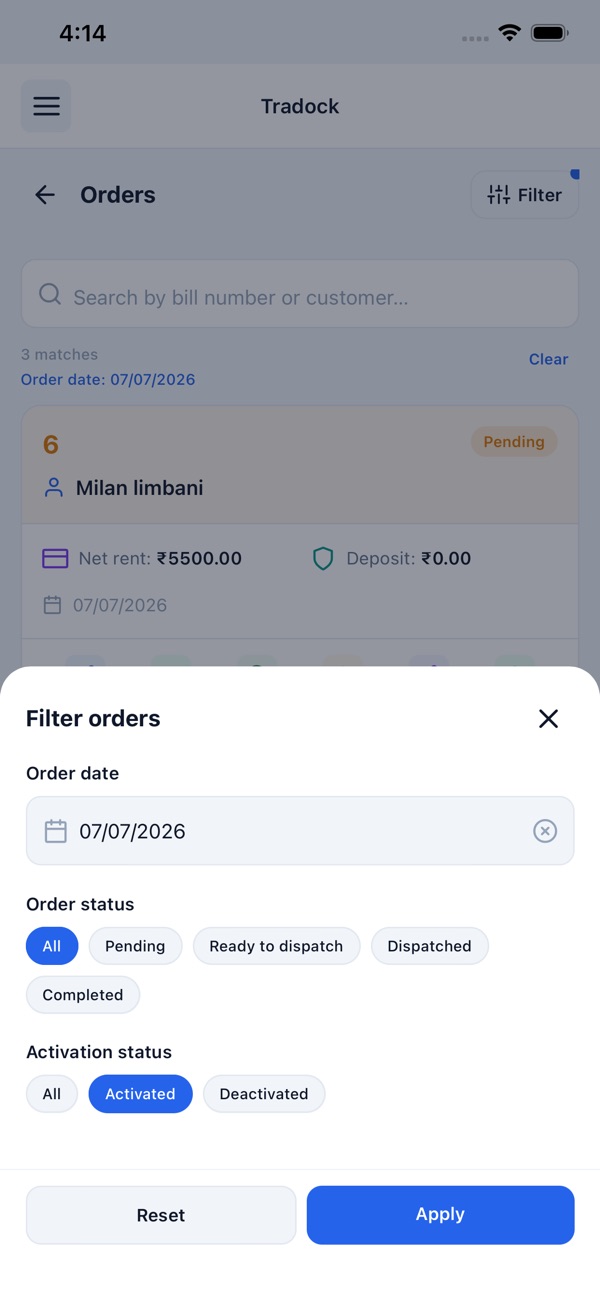
Run bridal and garment rental operations from iPhone and iPad—catalog, bookings, deposits, washing, invoices, and offline access when the shop network drops.
You and your staff can use the same core features on mobile, computer, and tablet — with a seamless experience across devices.
Web Dashboard
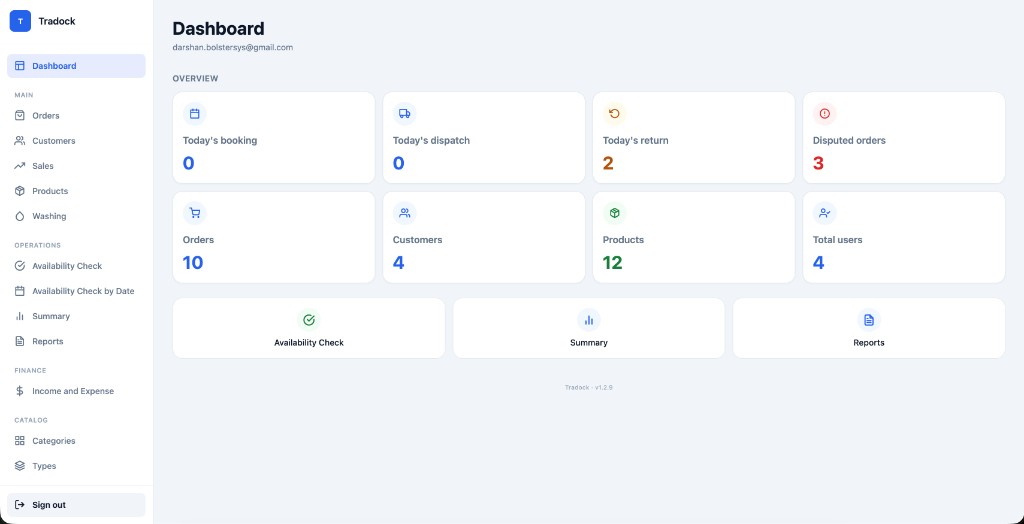
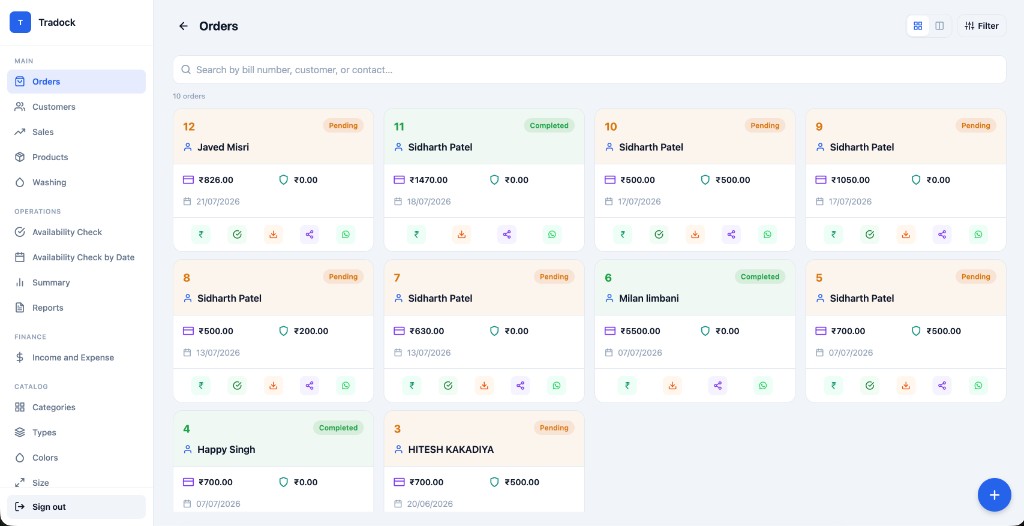
Full Tradock on computer or tablet—reports, roles and permissions, GSTIN invoices, challans, Excel catalog import, and day-to-day rental plus sales operations.
You and your staff can use the same core features on mobile, computer, and tablet — with a seamless experience across devices.
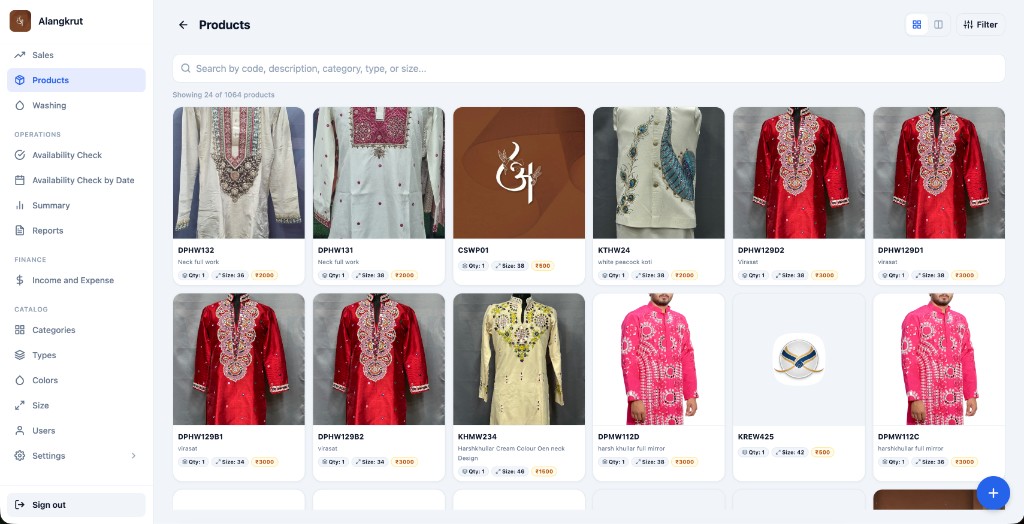
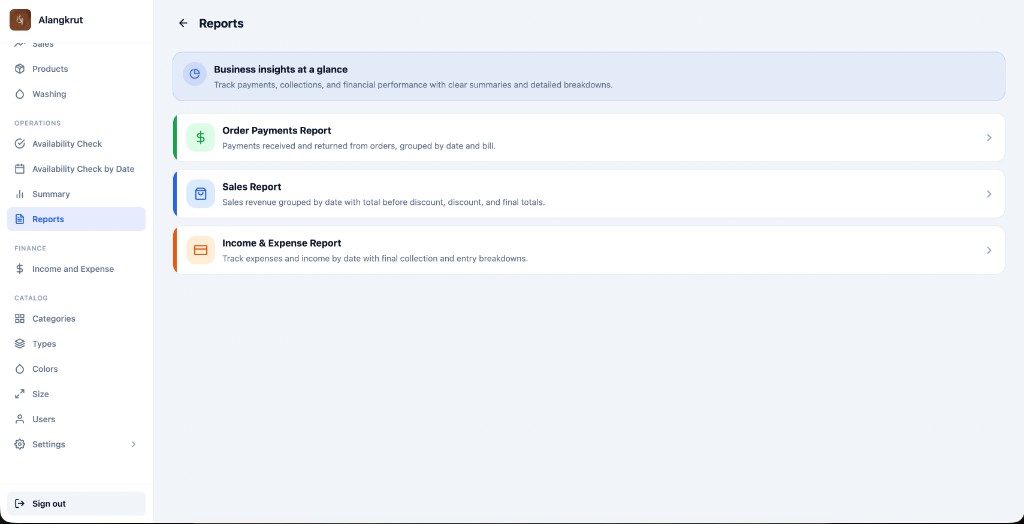
Whether you are on Android, iPhone, or the web dashboard, Tradock keeps your rental operations consistent.
Tradock is an Indian bridal rental software specialist for wedding wear and outfit rental shops — a GST-compliant invoicing solution with multi-branch rental management — available on Web, Android and iPhone. Manage inventory, orders, customers, payments, deposits, returns and GST billing from anywhere.
Answer-engine friendly questions about Tradock on phone, tablet, and computer.
Showing 12 of 12
A rental business app helps shops manage inventory, bookings, deposits, dispatch, returns, washing, payments, and invoices. Tradock provides that on Android, iPhone, and Web—with offline support for core synced data.
Yes. On Android or iPhone you can check availability, create orders, record payments and deposits, open today’s Summary (dispatch, return, disputed), toggle washing, and share WhatsApp bills.
Yes. Counter staff commonly run Android phones on the floor for availability checks, bookings, and dispatch lists during wedding weekends.
Yes. Owners and staff can use the same rental workflows on iPhone and iPad, including tablet-friendly use at the counter.
Yes. Multiple staff can work at once with role-based permissions. Data syncs across devices; after the first full download, core modules remain usable offline.
Yes. Search by code, colour, or size, open related orders, check washing status, and run availability checks while standing with the customer—not only from a back-office PC.
Yes. From the order you can download the rental invoice or delivery challan and share the bill via WhatsApp from the phone.
Yes. Record collect and return payments, flag deposit returns, and see whether the order is unpaid, partial, deposit held, or completed.
Typical day: check availability → create booking with dispatch/return → collect rent and deposit → work alterations → dispatch → process return → send to washing → settle deposit. Summary and dashboard keep today’s queue visible on every device.
Yes. During fittings, staff check availability by colour and size, create the booking, collect deposit, and later manage dispatch and returns from the phone—without walking back to a desktop for every step.
Yes. Use Web for catalog import and longer report reviews; use Android or iPhone on the floor. Same shop workspace, synced data.
Core rental operations—orders, inventory, customers, payments, deposits, washing, availability, summary, invoices—are available across Web and mobile. Some setup tasks like Excel catalog import are most comfortable on Web.
Tradock
Book a demo to see Android, iPhone, and Web workflows for your lehenga, sherwani, or bridal rental shop.